Want to stay up-to-date with our exclusive offers on your favourite brands? We've got you covered, read through the guide below and learn how to set up notifications on our website or app so that you never miss a great offer again!
To set up notifications for your favourite brands on our app, simply follow these steps:
Once you have completed these steps, you'll receive in-app notifications for any great offers that we release. You can check your notifications by clicking the bell symbol in the top right-hand corner of the app.
You'll notice you have a new notification when a small red circle with a number appears, this indicates how many new notifications you have. Once you click the bell symbol, you'll be able to review any notifications you have.
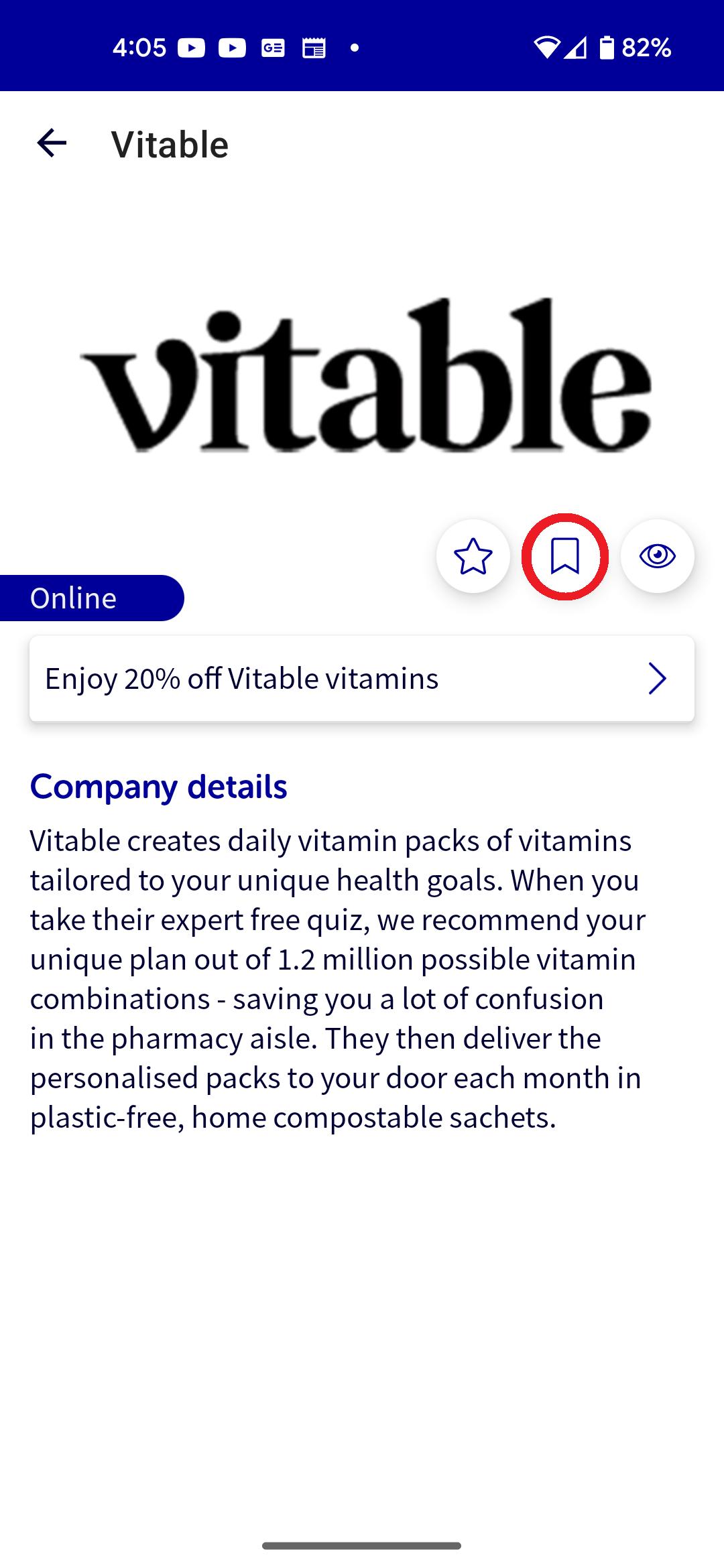
To remove or update your notification preferences on our app, you'll need to:
After completing these steps you'll have successfully updated your notification preferences on our app.
To set up notifications for your favourite brands on our website, simply follow these steps:

Once you have completed these steps, you'll receive notifications for any offers that we release for the relevant brand. You can check your notifications by clicking the bell symbol in the top right-hand corner of the website.
You'll notice you have a new notification when a small red circle with a number appears, this indicates how many new notifications you have. Once you click the bell symbol, you'll be able to review any notifications you have.
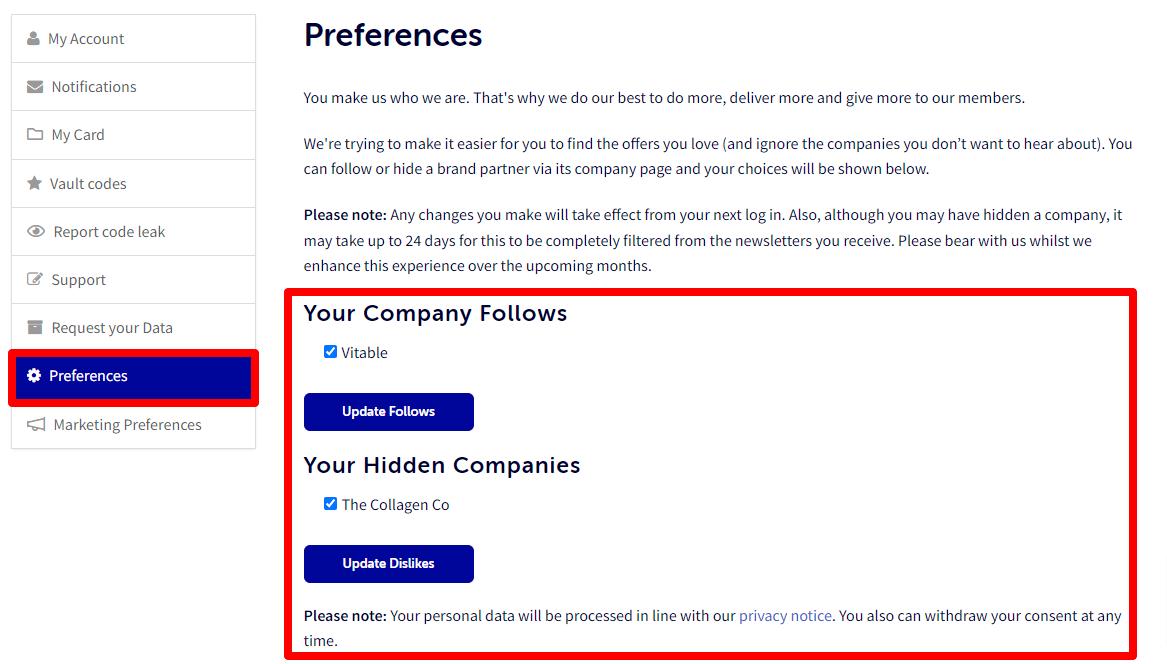
To remove or update your notification preferences, you'll need to:
If you have any questions, please get in touch. You can email us at support@bluelightcard.com.au and we'll come back to you as quickly as we can.